


Set up any kind of programme in its own words
Choose what you run and every screen uses its words. Start from a template, your handbook or a blank page, and build a form applicants finish.
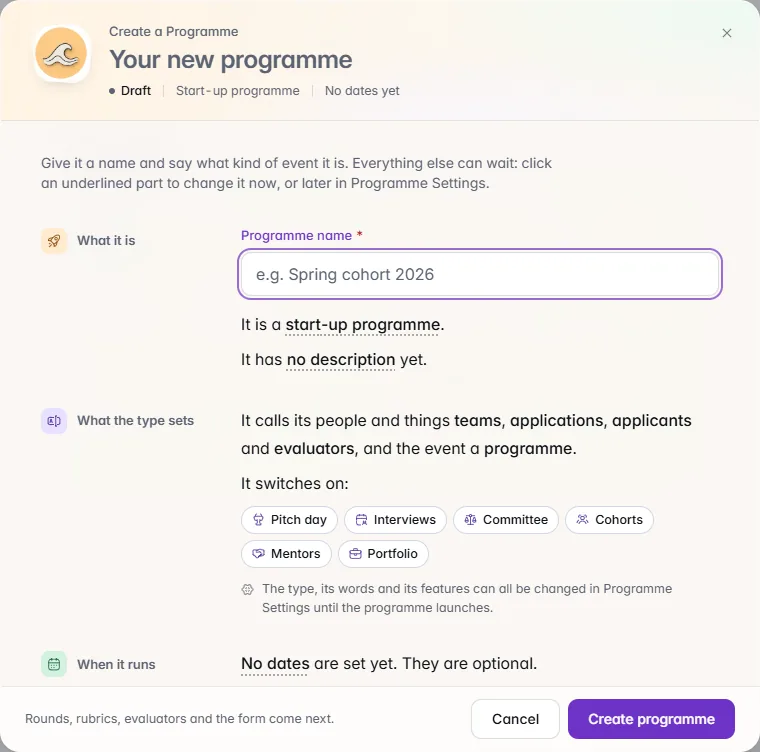
From the first form to the certificate and the cohort after it: one record for every application, one audit trail, and IdeaScore AI doing the reading while people make the decisions.
One record for every application, from the first form to the cohort, with IdeaScore AI reading while people decide.
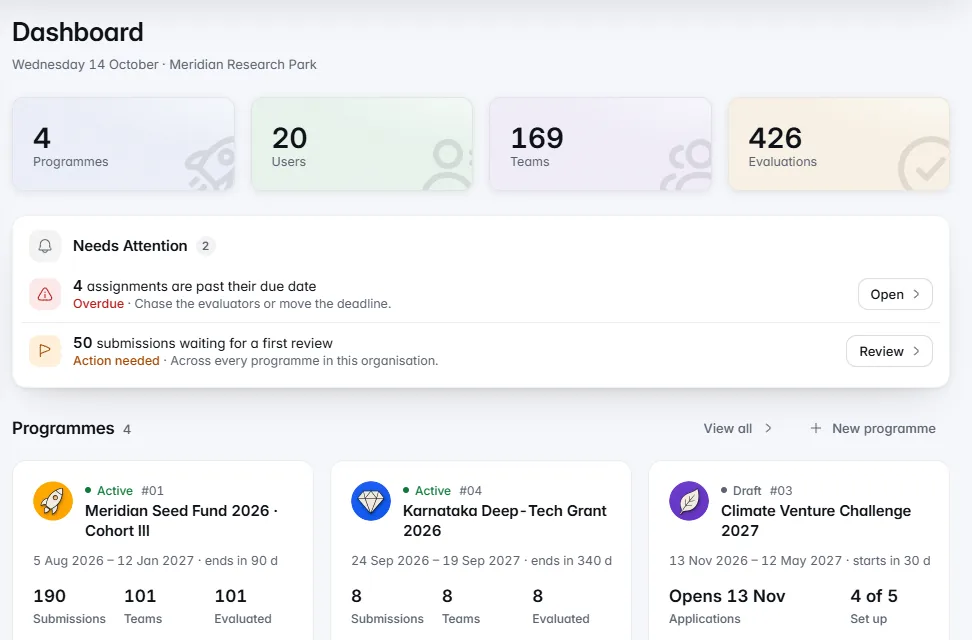
An application enters once and carries its case number, scores, decisions and history all the way through, and into the cohort if it is selected.
Choose what you run and every screen uses its words. Start from a template, your handbook or a blank page, and build a form applicants finish.Choose what you run, from a start-up programme or grant to a hackathon, a case competition or awards, and every screen, email and public page uses the right words: teams, judges, nominees or jurors. Start from a whole-programme template, from your own handbook with IdeaScore AI, or from a blank page, and build a form applicants finish.
One table with saved views and filters you describe in a sentence. Bulk actions show who is affected first, and every action is in the audit log.The whole call in one table, with saved views and filters you can describe in a sentence. Originality signals help reviewers without deciding for them, and rejecting many or asking for more information shows exactly who is affected, and the email, before anything is sent. Every admin action is written to an audit log in plain language.
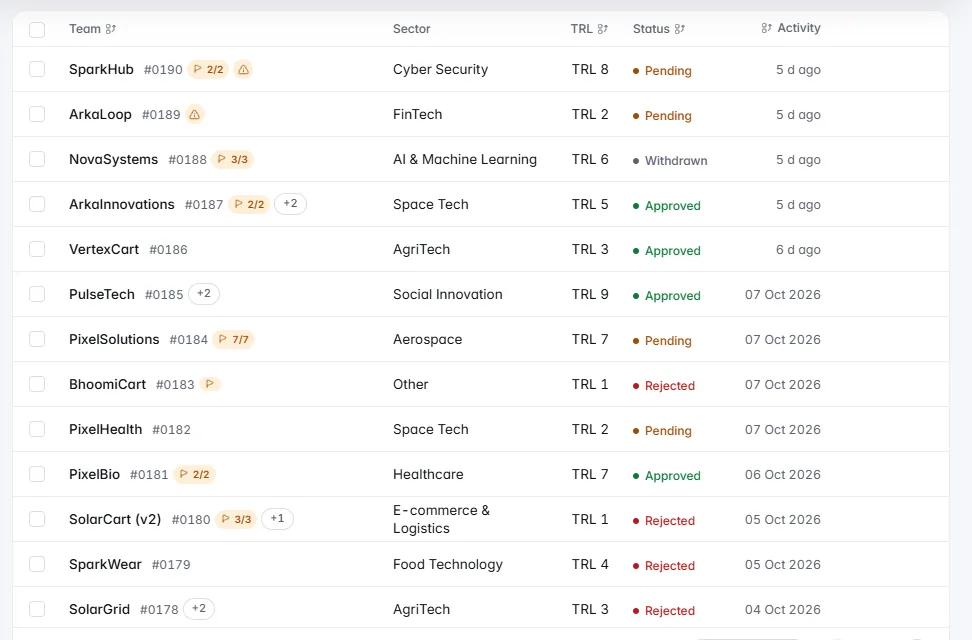
Fair scoring by default, five ways to judge a round, conflict-aware panels, deck masking, and a forecast of when scoring will finish.Evaluators form their own view before they see anything IdeaScore AI wrote. Judge each round by rubric, ranking, head-to-head, live pitch or public vote; build a panel in minutes with conflicts kept apart; mask names and photos in decks; and know from Review Forecast whether scoring will finish before the panel meets.
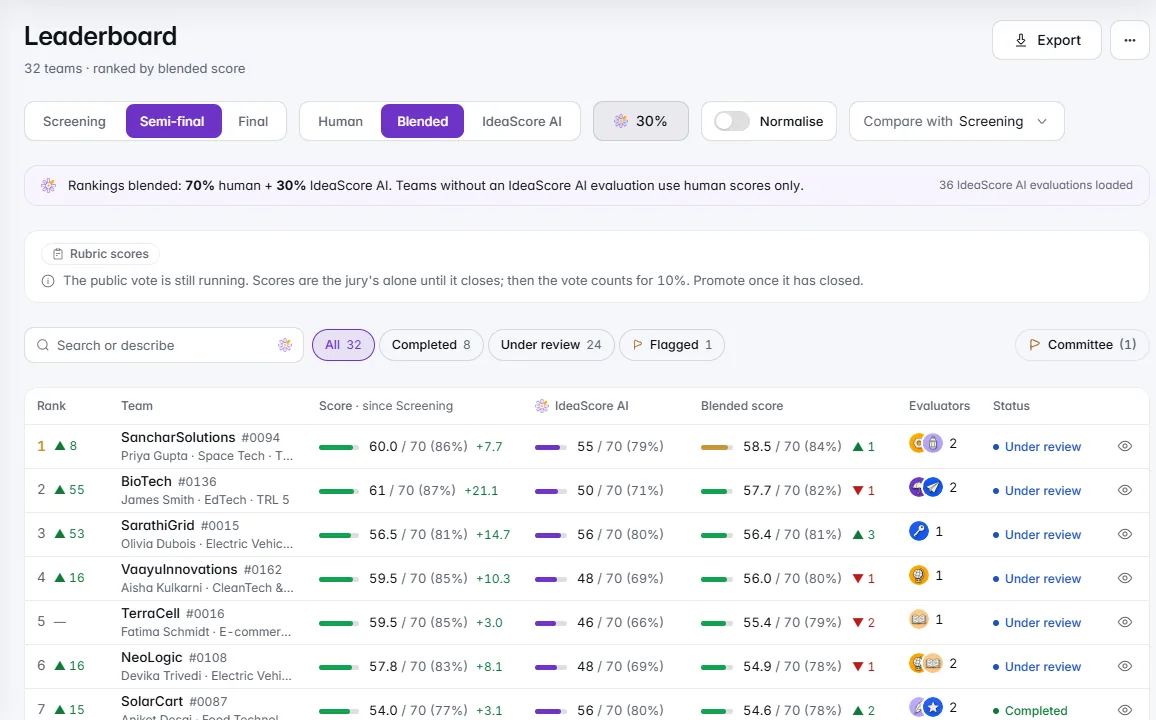

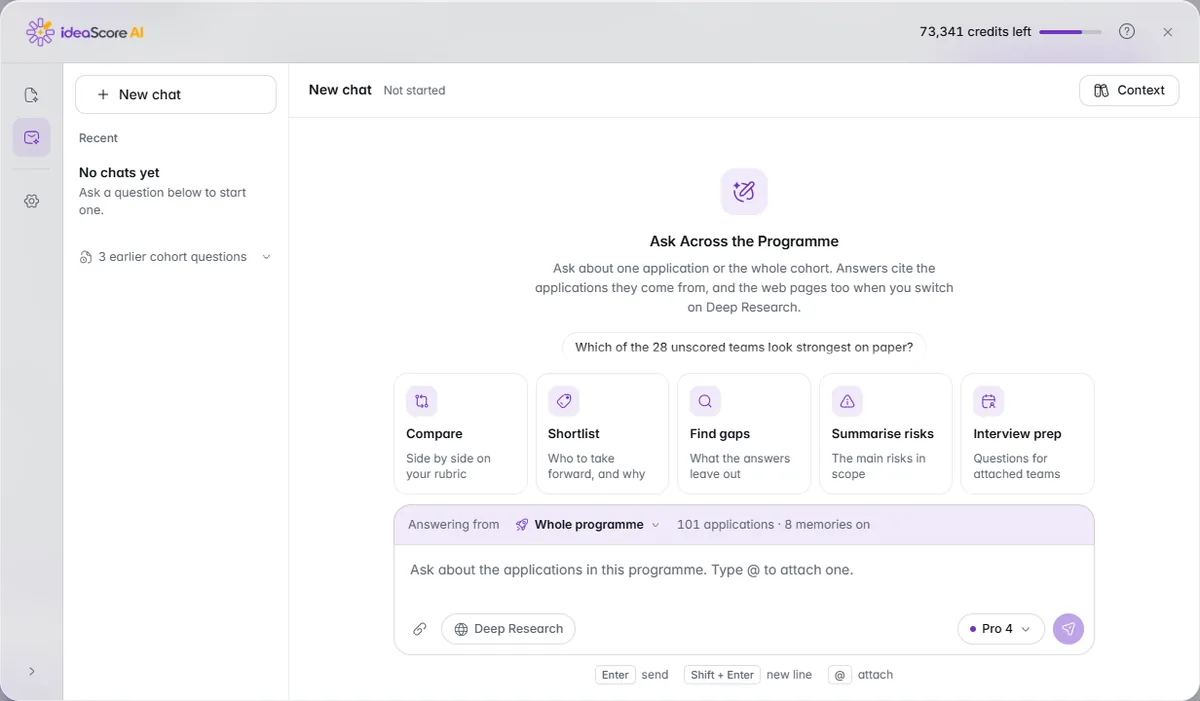
Swift sorts, Pro reviews, Deep decides. Chat about one application or the cohort, Deep Research when you need the web, and helpers that draft for people to check.IdeaScore AI reads every application against your rubric in one of three tiers: Swift sorts, Pro reviews, Deep decides. Ask IdeaScore AI Chat about one application or the whole cohort, add Deep Research to search the open web as well as your programme, and let helpers draft feedback, rationales and funder updates for people to check. Names and contact details never reach it.
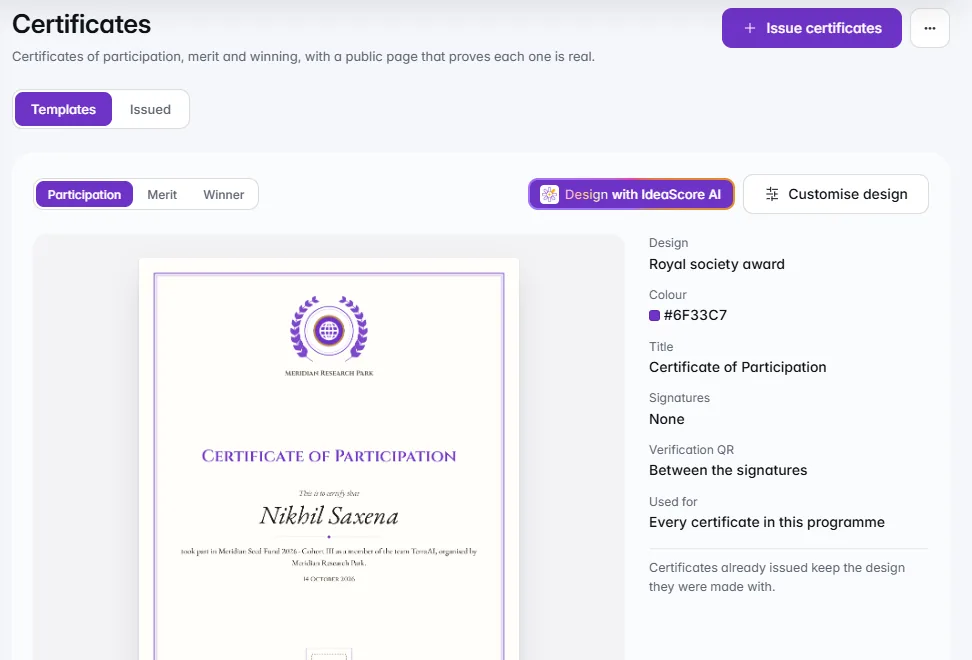
Pitch day from one screen, letters checked before they go, a Decision Trail, certificates anyone can verify, and reports from the same record.Pitch day runs the room from one screen, with a projector board that keeps the last good view on a bad connection. Decision letters show every recipient and the exact letter before they go, the Decision Trail records who decided what and why, and certificates carry a QR code anyone can verify. Reports and a sponsor report in your colours follow from the same record.
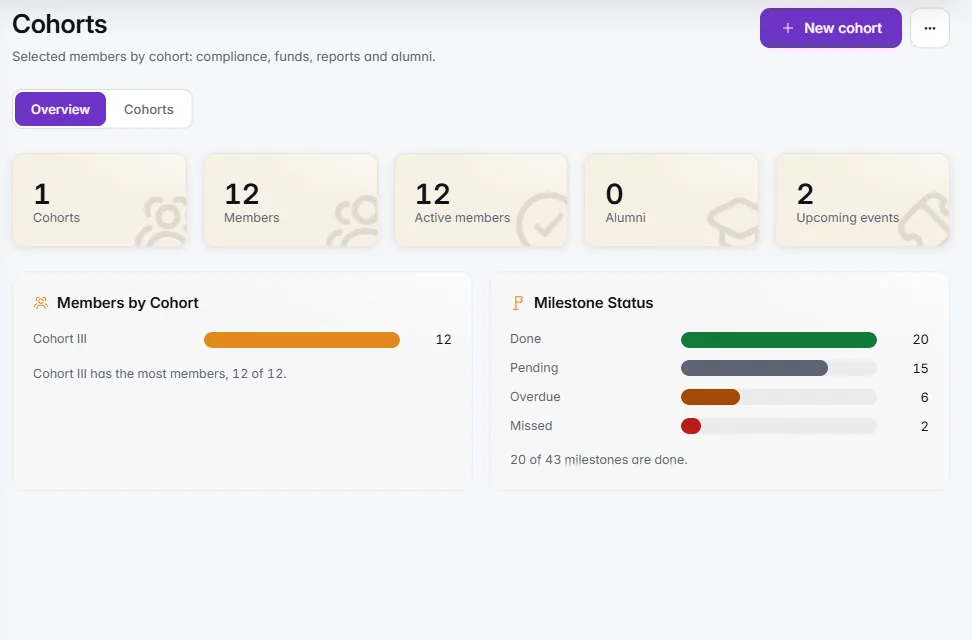
Cohorts with tranches, milestones and mentoring after selection; before it, a status page with honest dates and no scores before a decision.Selected teams become a cohort with agreements, compliance, funding released in tranches, milestones, impact KPIs and mentoring, and founders answer from a member space on their phone. Before that, every applicant has a status page with honest dates, the letter as it was sent and an offer to accept, with no scores shown before a decision.
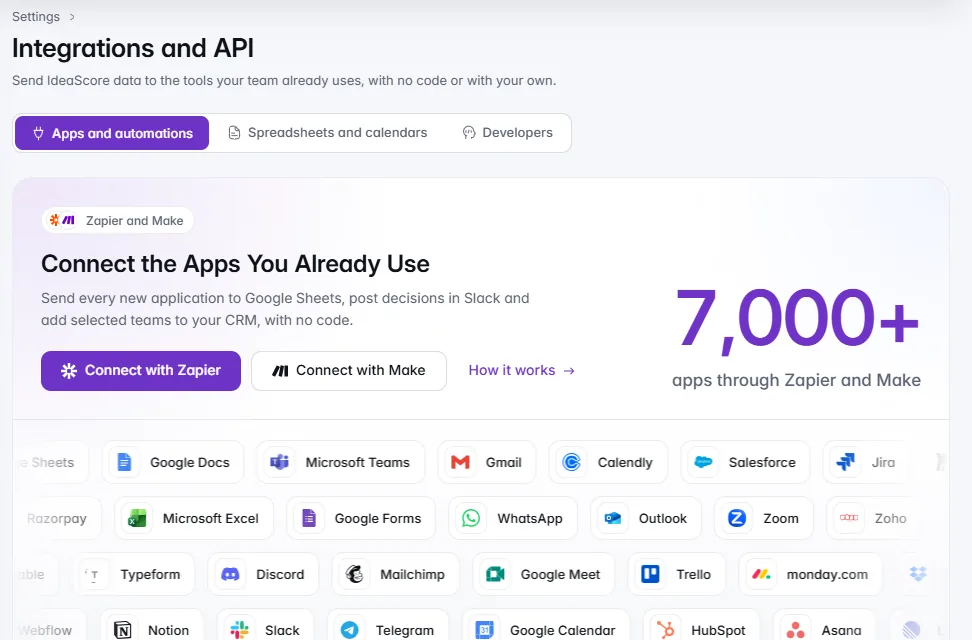
Sign-in your IT team approves, custom roles and your branding; spreadsheets, calendars, Zapier, Make and the API; backups, export and a Trust Centre.Google, Microsoft and domain sign-in, custom roles, and your branding on what applicants see. Live links to spreadsheets and calendars, Slack and Teams, Zapier and Make, and the IdeaScore API v1.5 in public beta. Underneath, nightly encrypted backups, export whenever you like, deleted items restorable for 30 days, and a Trust Centre with the standards we follow.
Choose what you run and every screen uses its words. Start from a template, your handbook or a blank page, and build a form applicants finish.
One table with saved views and filters you describe in a sentence. Bulk actions show who is affected first, and every action is in the audit log.
Fair scoring by default, five ways to judge a round, conflict-aware panels, deck masking, and a forecast of when scoring will finish.
Swift sorts, Pro reviews, Deep decides. Chat about one application or the cohort, Deep Research when you need the web, and helpers that draft for people to check.
Pitch day from one screen, letters checked before they go, a Decision Trail, certificates anyone can verify, and reports from the same record.
Cohorts with tranches, milestones and mentoring after selection; before it, a status page with honest dates and no scores before a decision.
Sign-in your IT team approves, custom roles and your branding; spreadsheets, calendars, Zapier, Make and the API; backups, export and a Trust Centre.
A 30-minute walkthrough with a product specialist, using your programme's form and criteria.