Start here
Setting Up Your First Programme
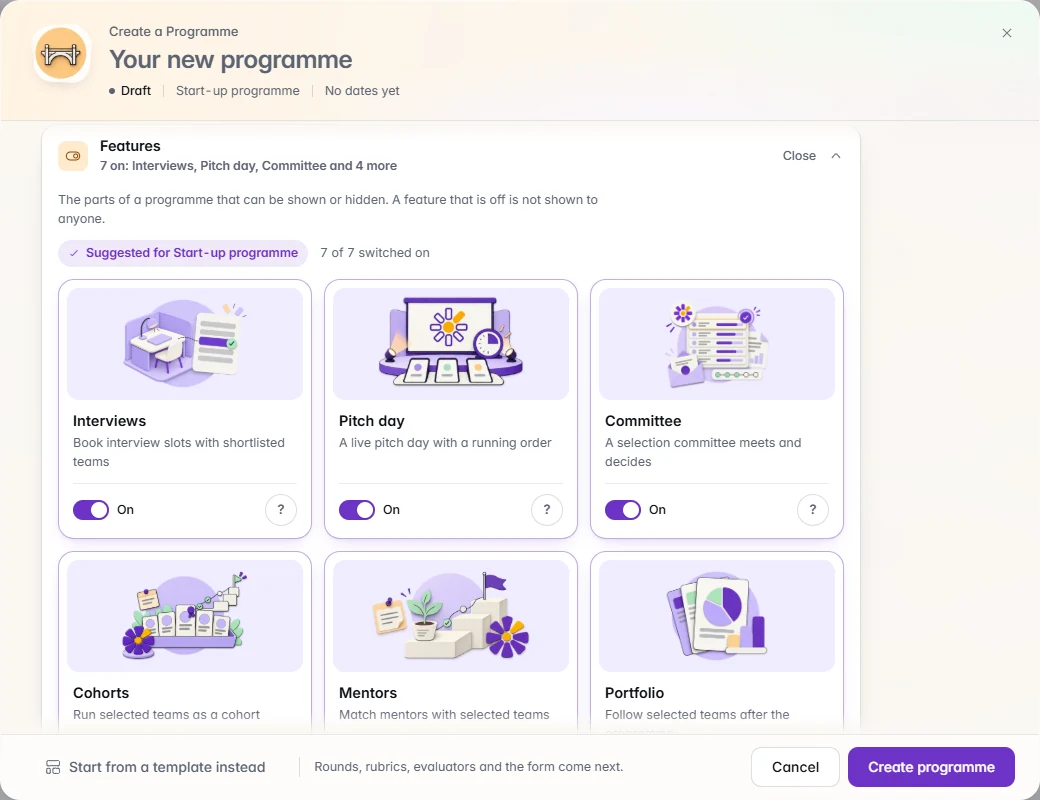
From an empty organisation to an open application window: branding, the programme, the form, the rubric, evaluators and the checks before you announce.
Read the guide
Short, numbered steps with real screens, from the first programme to the last letter.Short, numbered steps with real screens for each task a programme team performs, from setting up the first programme to the last decision letter, each ending in a checklist.
Start here
From an empty organisation to an open application window: branding, the programme, the form, the rubric, evaluators and the checks before you announce.
Read the guide
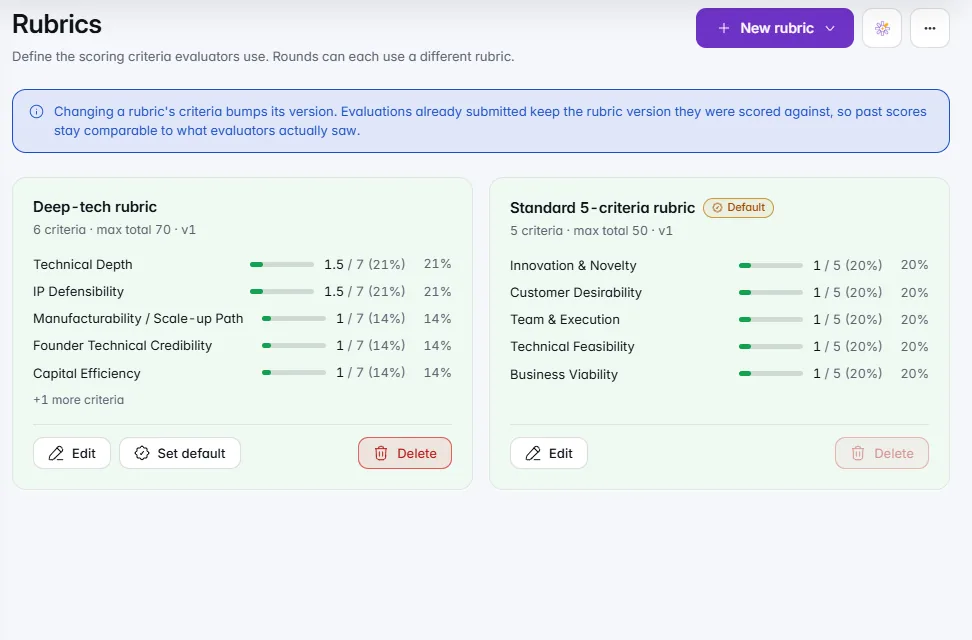
Criteria, weights and what the lowest and highest scores mean: build a rubric from a preset, a template or a short IdeaScore AI draft, and test it before evaluators see it.
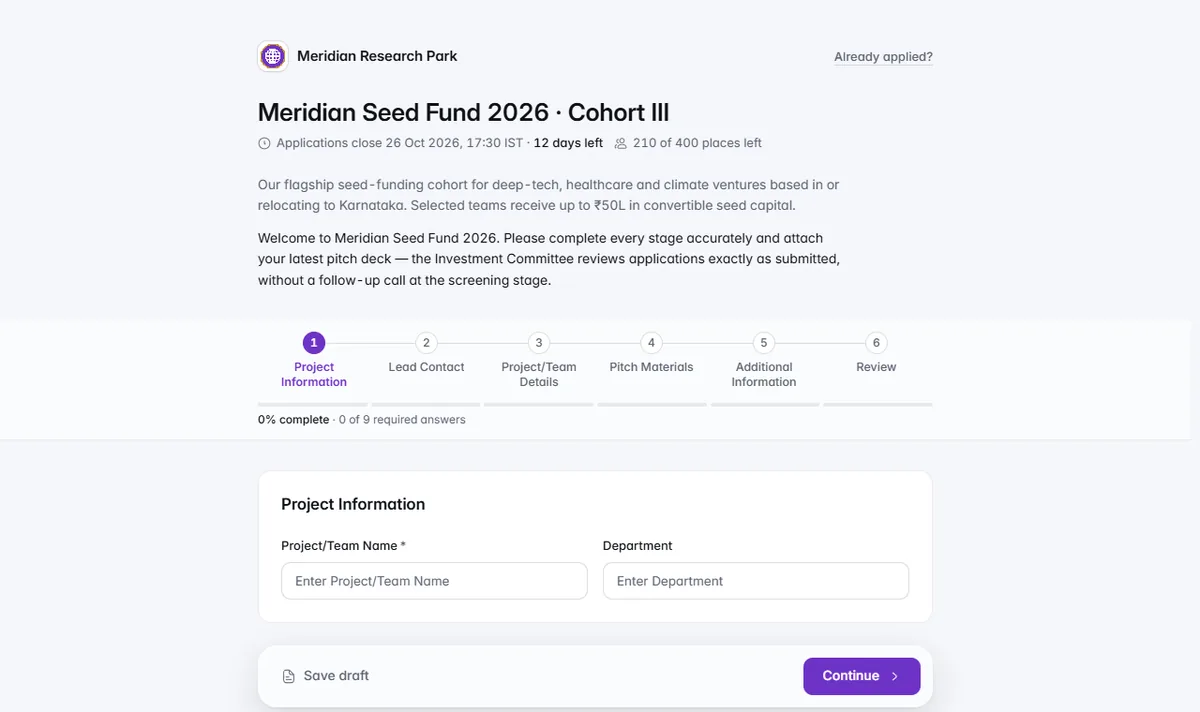
Stages, the eleven question types, conditions, resources, the window and capacity, version history and the preview pass before the public link goes out.
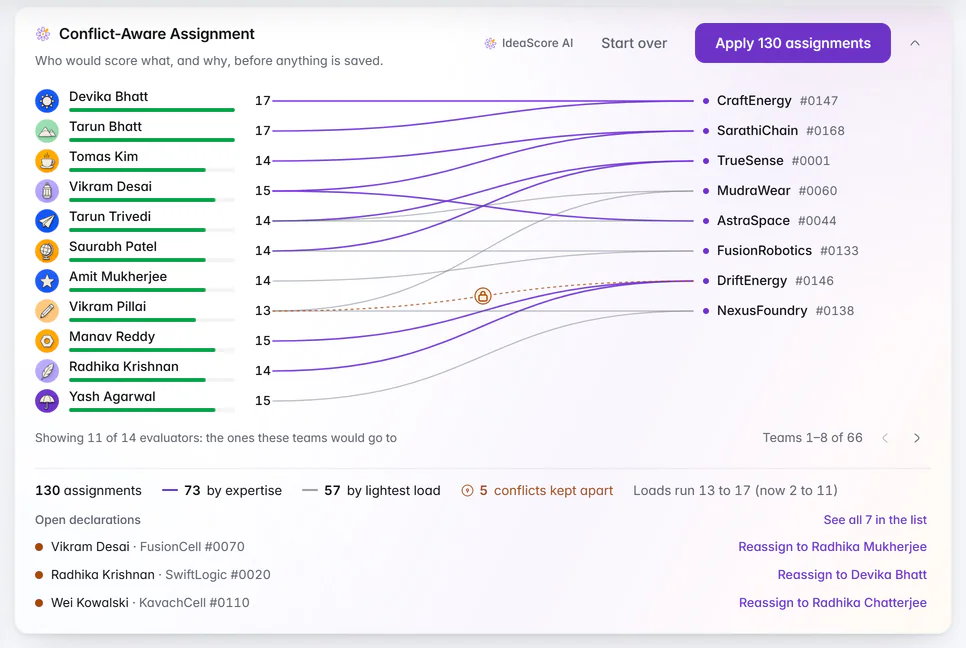
Add evaluators with their expertise and weightage, decide what they can see, assign teams around declared conflicts and reassign when a new one appears.
Three separate settings keep a review blind: the round's Blind review switch, deck masking for evaluators, and what evaluators see in Programme settings.
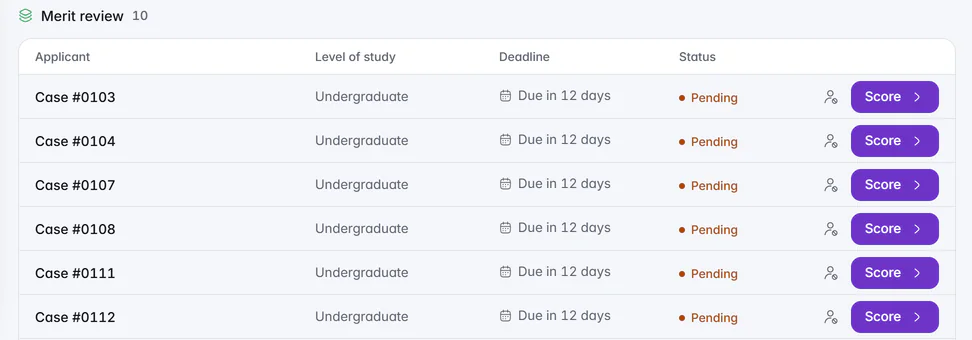
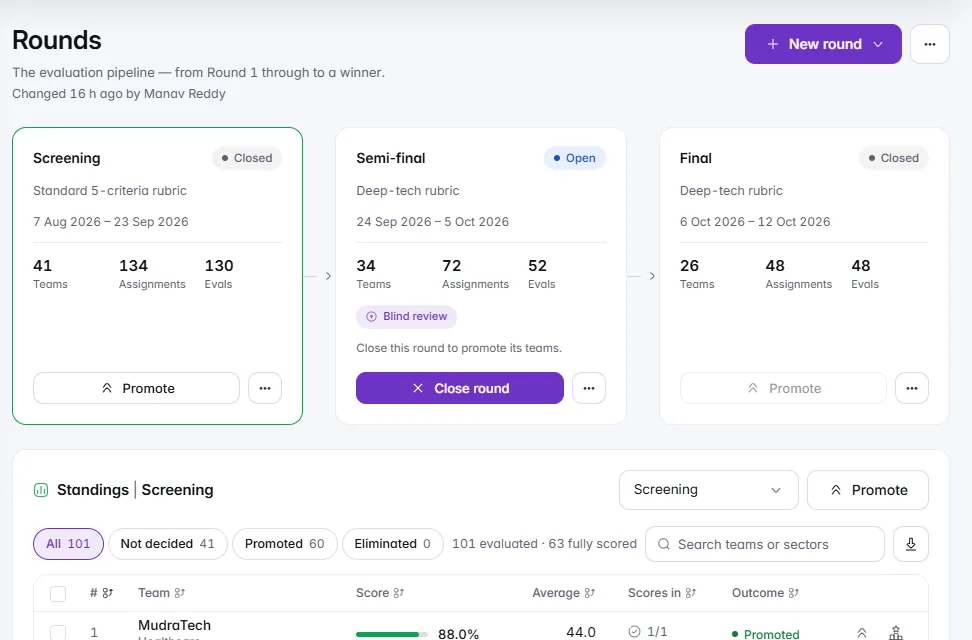
Open a round, assign evaluators, chase progress, read the leaderboard with normalised scores, then close the round and promote with a written rule.
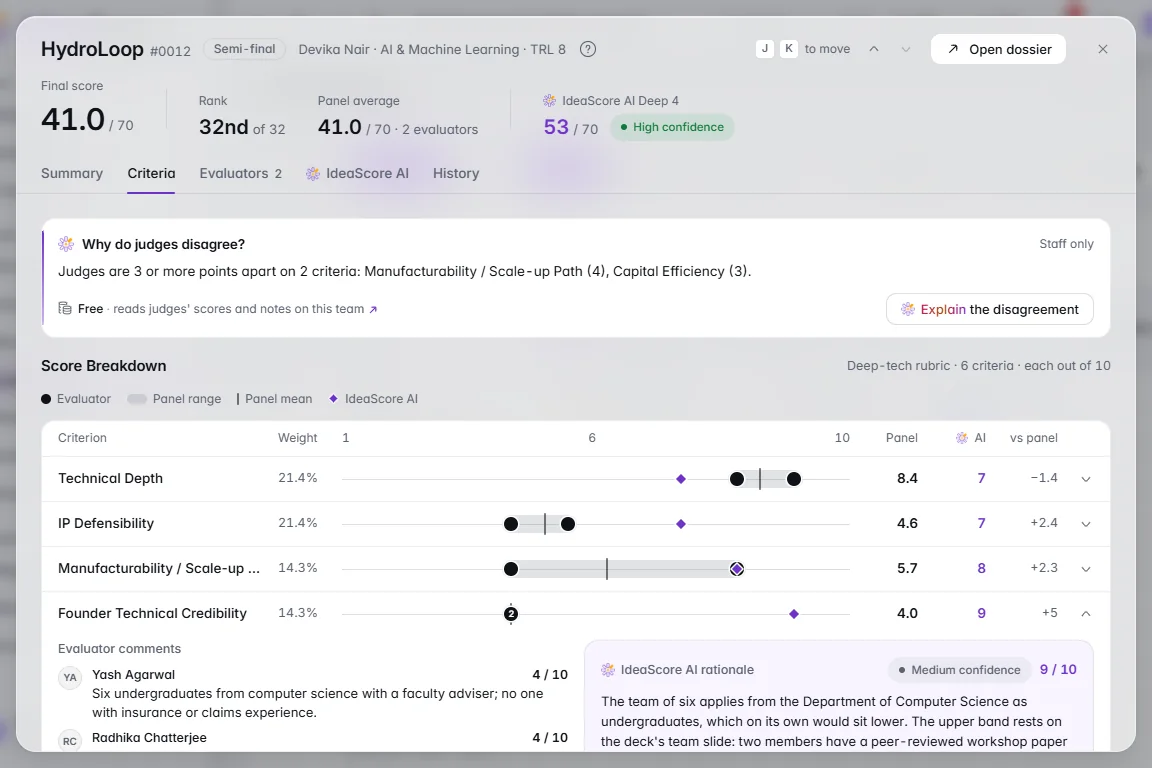
Accept the data terms once, decide what evaluators see, check the cost before each run, read the evidence, and keep the panel's ranking the one of record.
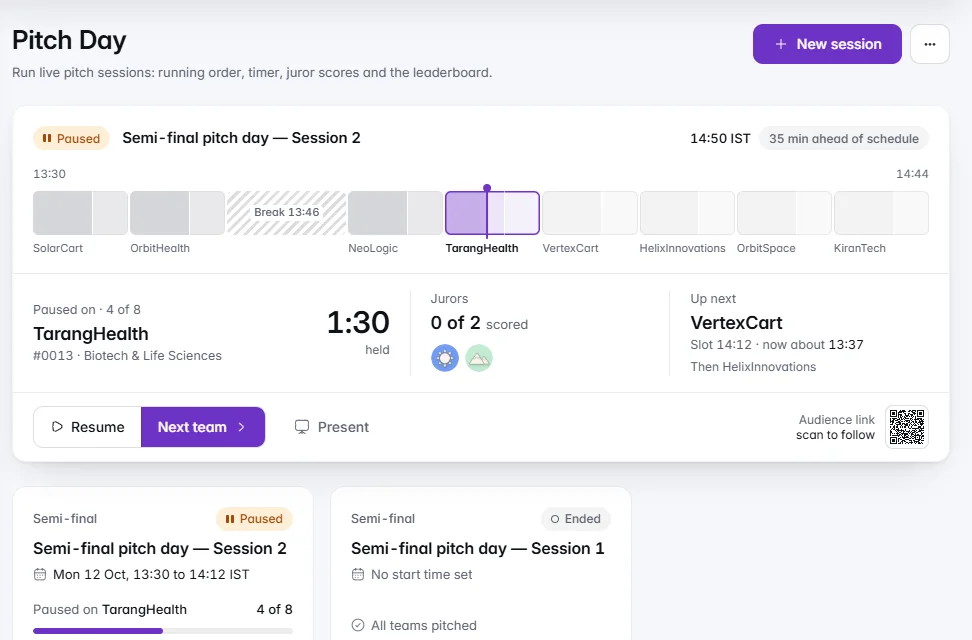
Create the session, set the running order and timings, show teams their slots, run the stage live, and decide when the room sees the standings.
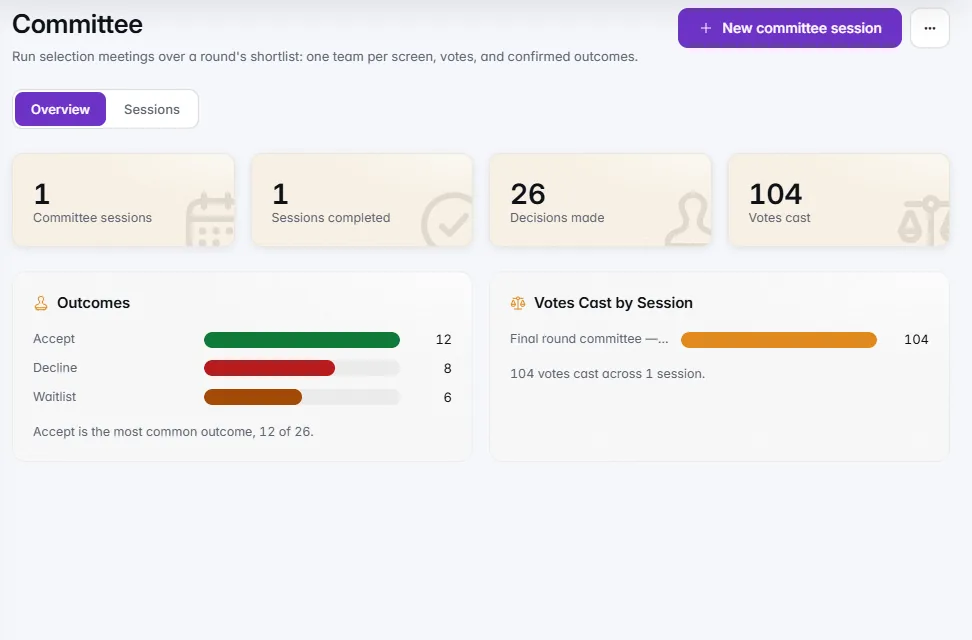
Run the committee session, record decisions at the cut-off line, send letters you have checked recipient by recipient, publish results and confirm every applicant heard back.
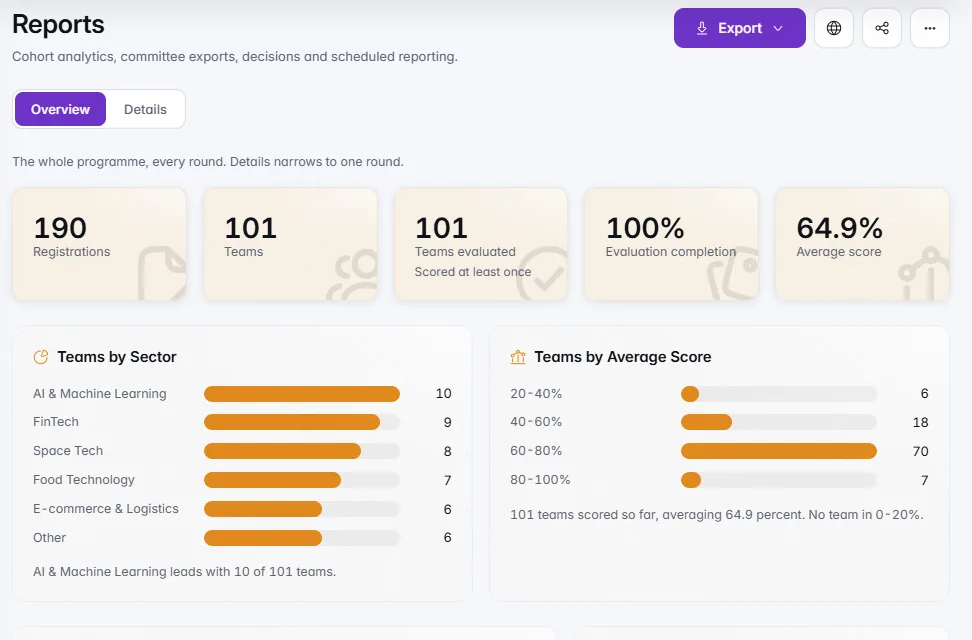
The committee pack, the Excel workbook, leaderboard and submissions exports, a report that emails itself, and the full organisation export for owners.
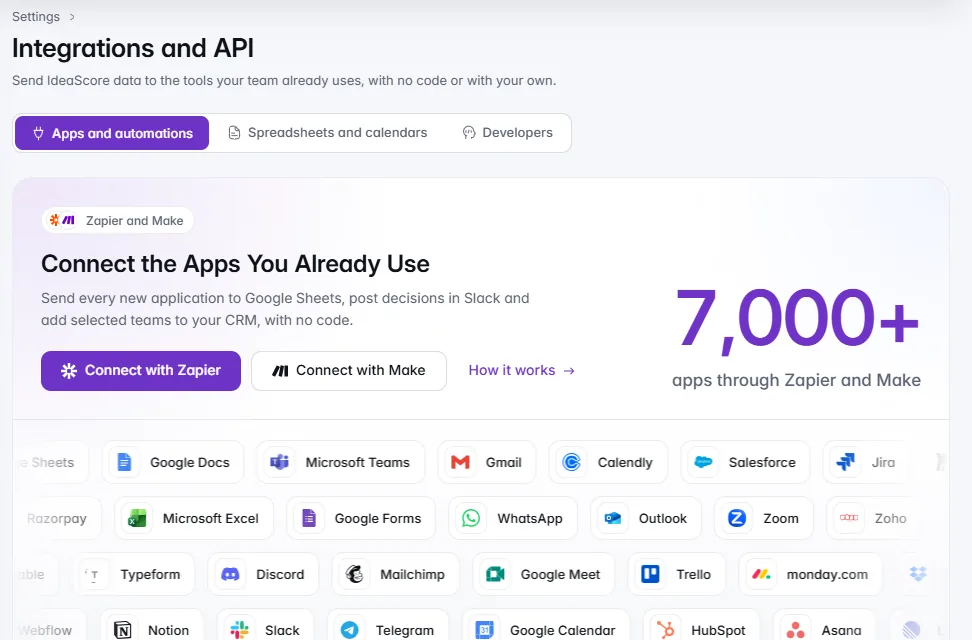
Send new applications, decisions and results to the tools your team already uses: pick a goal, choose Zapier or Make, paste an address, send a sample and finish in your tool.
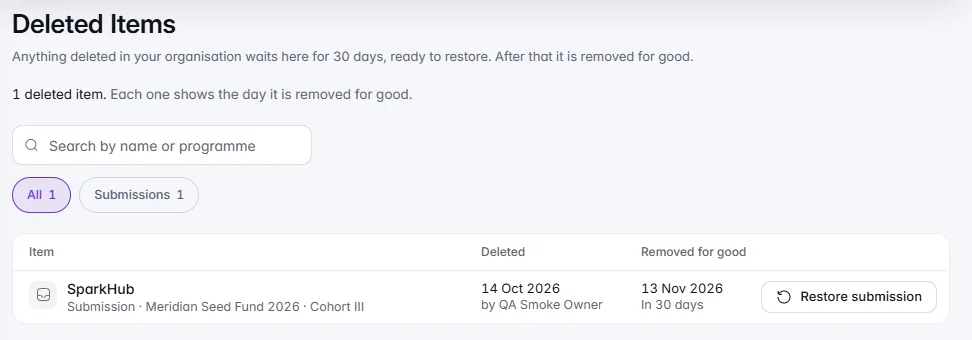
Mark personal and sensitive questions, set how long applications are kept, answer applicants' data requests within 30 days, and know where deleted items and the audit log live.
Self-hosting is an Enterprise option, on request: who to involve, what your IT team provides, how our team installs, updates and supports IdeaScore on your servers, and your data and backups.
A 30-minute walkthrough with a product specialist, using your programme's form and criteria.