In short. Judging a hackathon fairly means choosing a judging mode that fits the number of entries and the time you have, giving every judge the same written criteria, correcting for strict and generous judges before results are final, and showing progress and results in a way that cannot be mistaken for a favourite. Use rubric scores when you have time and need feedback, ranking when judges see only a few entries each, and head-to-head when you want a quick, intuitive pick between two. Calibrate with a shared practice set, compare judge averages, and publish results only after the numbers have been reviewed.
Hackathon judging has a bad reputation, and some of it is earned. Judges arrive late, see six demos out of forty, score the first team after lunch more kindly than the last, and one of them gives nothing above 6. The result is a podium that reflects the timetable as much as the work. None of these are inevitable. This article walks through the design choices that fix most of them.
Start with Criteria, Not a Judge List
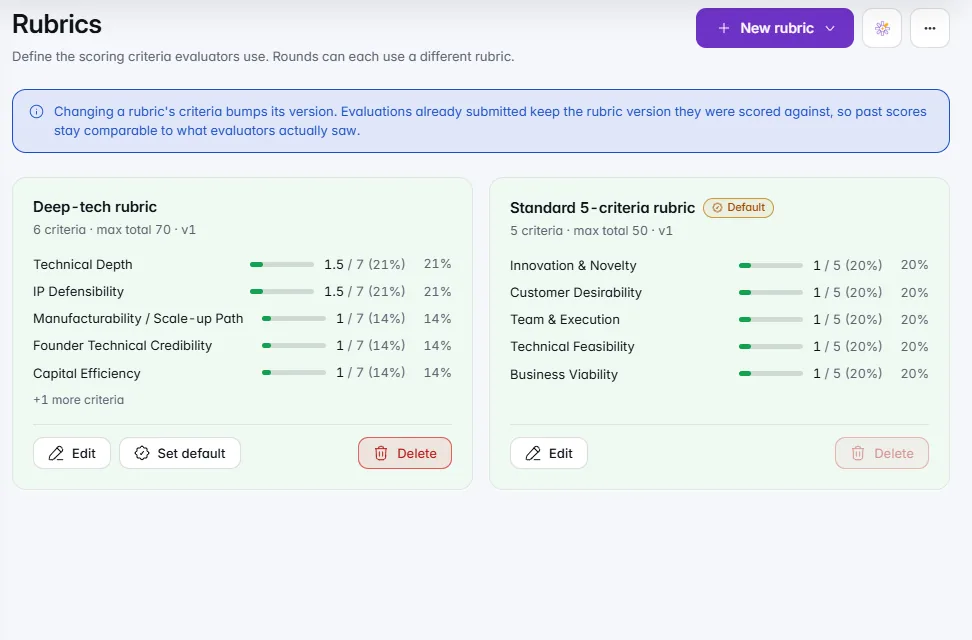
Write the criteria first, with anchors for what low, middle and high look like. For a general hackathon, four or five criteria is plenty:
Publish them to teams before the event. Weight them to match what you want from the event: a campus hackathon aimed at beginners may weight execution and learning over technical depth. Tracks, such as hardware or machine learning, can use different criteria while sharing the same pitch and impact items.
Decide what counts as work done in the event, and how you will check it. A repository with a first commit at the start time, a demo video and a deck submitted by a stated deadline give judges something consistent to look at. Mark late submissions clearly rather than quietly excluding or accepting them.
Choose a Judging Mode
Each mode answers a different problem.
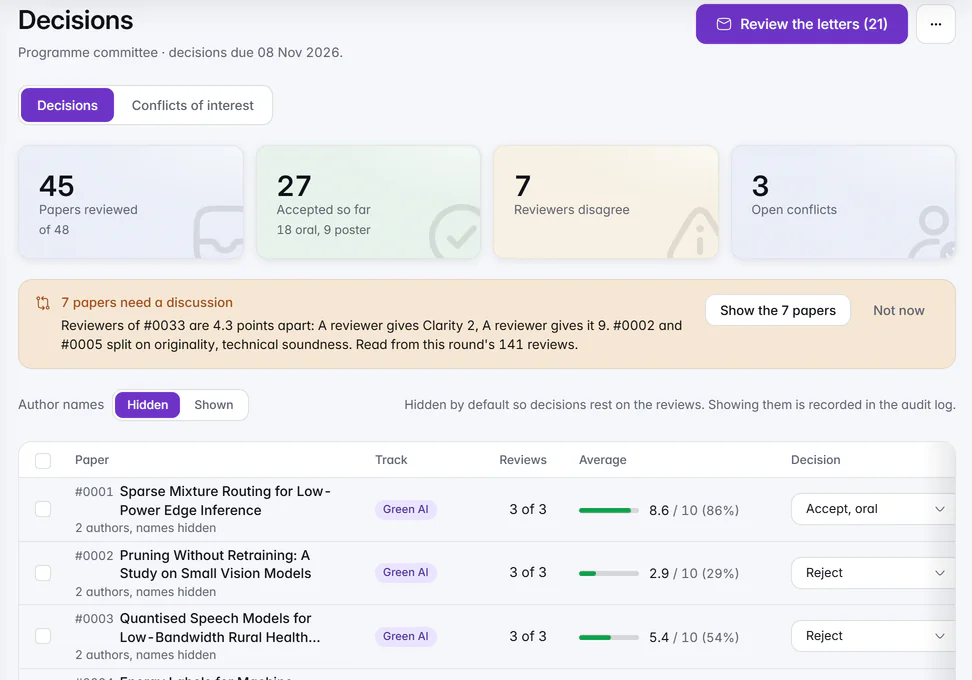
A common and sound design uses two stages. Screen the field with rubric scores or ranking on submitted material, then take a shortlist of five to eight to a live pitch, with head-to-head or ranking to settle the top places. Scores answer "how good is this", ranking and head-to-head answer "which of these".
Plan Coverage, Not Just Fairness in the Abstract
Fairness starts with how entries are shared among judges. Check three things before judging opens:
- Every entry gets the same number of judges. Three is the practical minimum for a stable result.
- No judge sees too many. More than 10 to 12 demos in one session is where attention drops.
- Conflicts are kept apart. A judge who mentors a team, works for its sponsor or shares an employer should not score it. Collect these declarations first.
Rotate the order in which entries are presented or reviewed. If teams present in registration order, the last team always follows a long day. Randomise, and give each judge a different order so that fatigue is spread around.
Calibrate Strict and Generous Judges
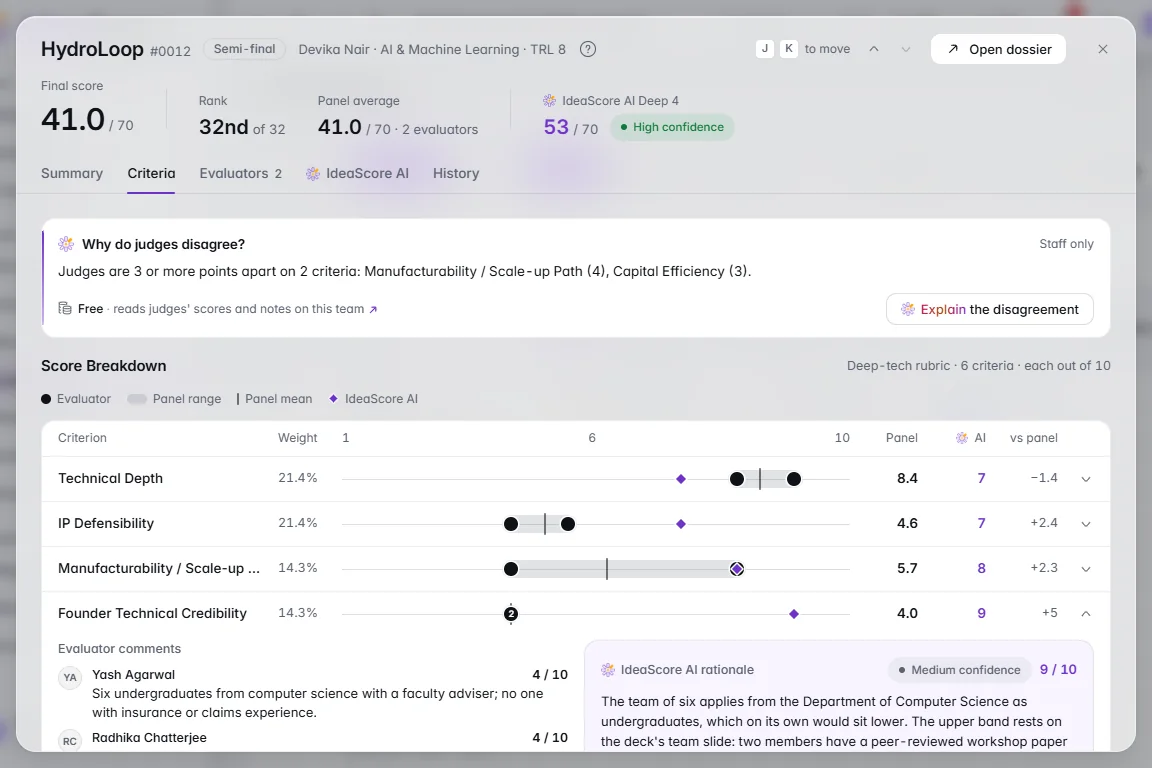
Even with anchors, judges differ. One treats a 7 as excellent; another reserves it for work they would fund. Across a panel of six, this spread can move a team several places.
Four practical steps, in the order to use them:
- Run a calibration set. Before judging, have every judge score the same two or three sample entries, ideally one weak, one middling, one strong. Discuss the scores for fifteen minutes. This aligns interpretation more than any instruction sheet does.
- Look at judge averages. After scoring, compute each judge's average and spread. A judge averaging 4.5 when the panel average is 6.5 is strict, not necessarily discriminating.
- Adjust or rank within judge. The standard fix is to convert each judge's scores to a common scale, for example by their own mean and spread, so that a 7 from a strict judge counts for more than a 7 from a generous one. A simpler fix is to use each judge's ranking and not their raw score. State the method before results exist, so that no one can say it was chosen to favour a team.
- Check the outliers. If one judge's score for a team differs by 3 or more points from the others, ask for a note. It may be a real insight, such as the judge being the only one who ran the code, or a misunderstanding.
Keep the raw scores and the adjusted ones. Anyone querying the result should be able to see both, and see that the adjustment was applied equally.
Make the Live Board Informative, Not Prejudicial
A live board adds energy to demo day, and it also adds risk. Showing a running leaderboard while judges are still scoring nudges later judges toward the early favourites. Two designs avoid that:
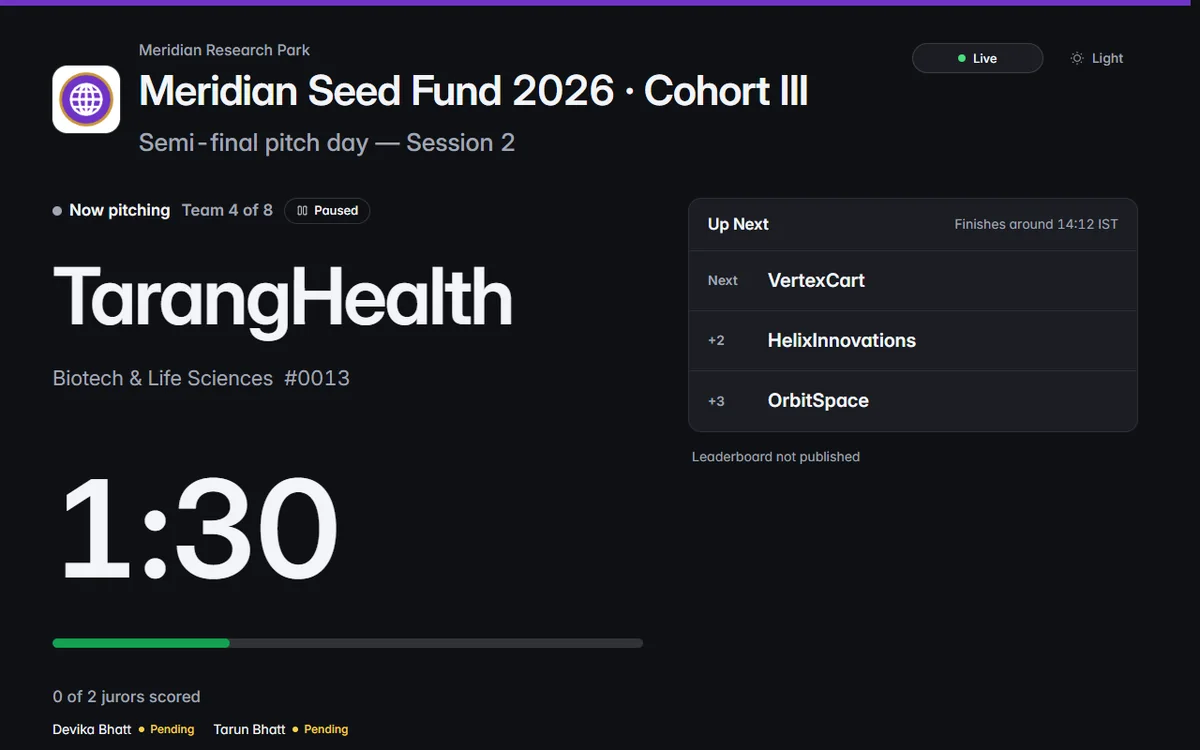
- Show progress, not rankings, during judging: which judges have scored which teams, how many are outstanding. This gives organisers a way to chase late judges without revealing standings.
- Reveal the leaderboard only when you choose. Hold it back until all scoring is closed, then show it on the projector in one step.
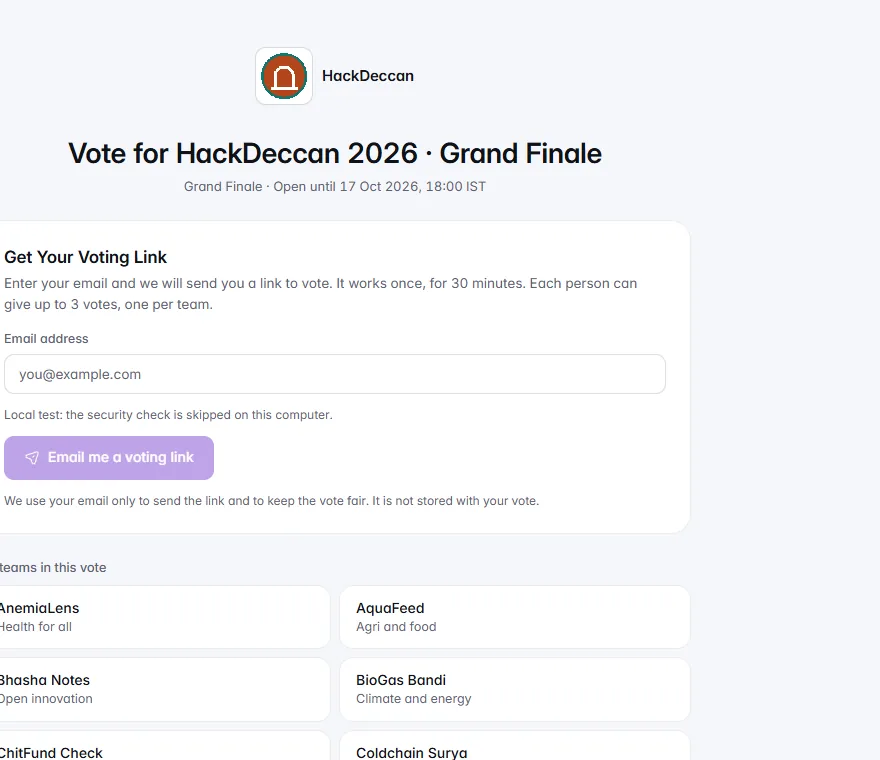
An audience link is useful for teams and visitors who want the schedule, the current presenter and, at the right moment, the results. Keep public voting, if you use it, separate from judges' scores and say so: people's choice is an additional award with its own rules, not an input to the jury's ranking, unless you have explained otherwise.
Publish Results with Care
When results go out, a few habits protect trust:
- Lead with winners, then list the rest alphabetically or by track, unless full ranking is part of your promise. Teams that finished twelfth rarely need to know they were twelfth.
- Say how winners were chosen in two sentences: the criteria, the mode, the number of judges.
- Offer feedback. Even a short summary of strengths and one improvement per team converts a result into something teams can learn from.
- Issue certificates for participation, merit and winning, with a way to verify them. A QR code that opens a public verification page helps with employers and universities.
- Keep the evidence. Retain scores, adjustments and judge declarations for a stated period in case of a query.
Common Failures
- Judges meet teams they know and do not say so.
- A criterion is added on the day.
- One judge scores in private after the event with no calibration.
- The leaderboard flashes up mid-judging.
- Ties are settled by "a quick discussion" without a rule. Decide the tiebreak in advance, for example the higher score on impact, then a head-to-head between the tied teams.
- Prizes are announced before late scores are in.
How IdeaScore Supports It
For hackathons and competitions, IdeaScore lets you judge in the mode that fits: rank entries, pick the stronger of two, use rubric scores or score live pitches. Fair scoring is on by default, evaluator progress is visible, and conflict-aware assignment keeps judges and teams with a declared conflict apart. For demo day, a live pitch board runs on a projector and an audience link, with the leaderboard published when you choose. Public results lead with the winners, and participation, merit and winner certificates carry a QR code that opens a public verification page. Public voting is available where your organisation has turned it on.
These tools remove the spreadsheet work, though you still choose the criteria, the mode and the tiebreak rule, and those choices decide whether the result is fair.
A One-Page Plan
- Publish the criteria and weights with the call.
- Choose the mode for each stage: screening, shortlist, final.
- Collect conflict declarations and assign at least three judges per entry.
- Run a calibration set and discuss.
- Randomise presentation and review order.
- Hold the leaderboard until scoring closes.
- Apply the stated calibration method and keep both raw and adjusted scores.
- Resolve outliers with notes and apply the pre-agreed tiebreak.
- Announce winners with a short method statement and offer feedback.
- Issue certificates and archive the record.
A hackathon is an event people remember for how it felt. If teams leave believing the process was fair, even those who did not win tend to come back next year, and that is worth far more than a faster scoreboard.